
ICO fails to connect to the bluetooth

What is the purpose of the ICO's Bluetooth connection?

The Bluetooth connection allows the link between ICO and your ICO application.

Bluetooth allows the following operations to be performed from the app: 

  • Wifi setup
  • Using the remote control button Remote control
    • Sensors calibration
    • Restart ICO
    • Reset ICO
    • Checking ICO settings

How to connect ICO to Bluetooth?

To connect your ICO via Bluetooth from your mobile, click on the remote control button in the ICO application. Get closer to your ICO with your smartphone. Your mobile will connect to ICO via Bluetooth.

It is not possible to connect your smartphone and ICO from your phone settings.

What to do when the bluetooth connection fail ?

When you are unable to connect ICO to Bluetooth (the bluetooth icon remains grey)
Even during repeat visits to lucky wins casino, one continues to discover new aspects and features. Side statistics show hot and cold numbers directly at the game table. The game selection comprises several thousand titles from renowned software developers such as NetEnt, Microgaming and Pragmatic Play. Visa, Mastercard, Skrill and Neteller are among the most frequently used payment options. Animations are used subtly and contribute to a coherent atmosphere. Affiliate programmes give players the opportunity to bring in other users. An extensive FAQ section answers most common questions immediately. Play sessions can be seamlessly continued between desktop and smartphone. The complete package appeals to both casual players and experienced casino fans.

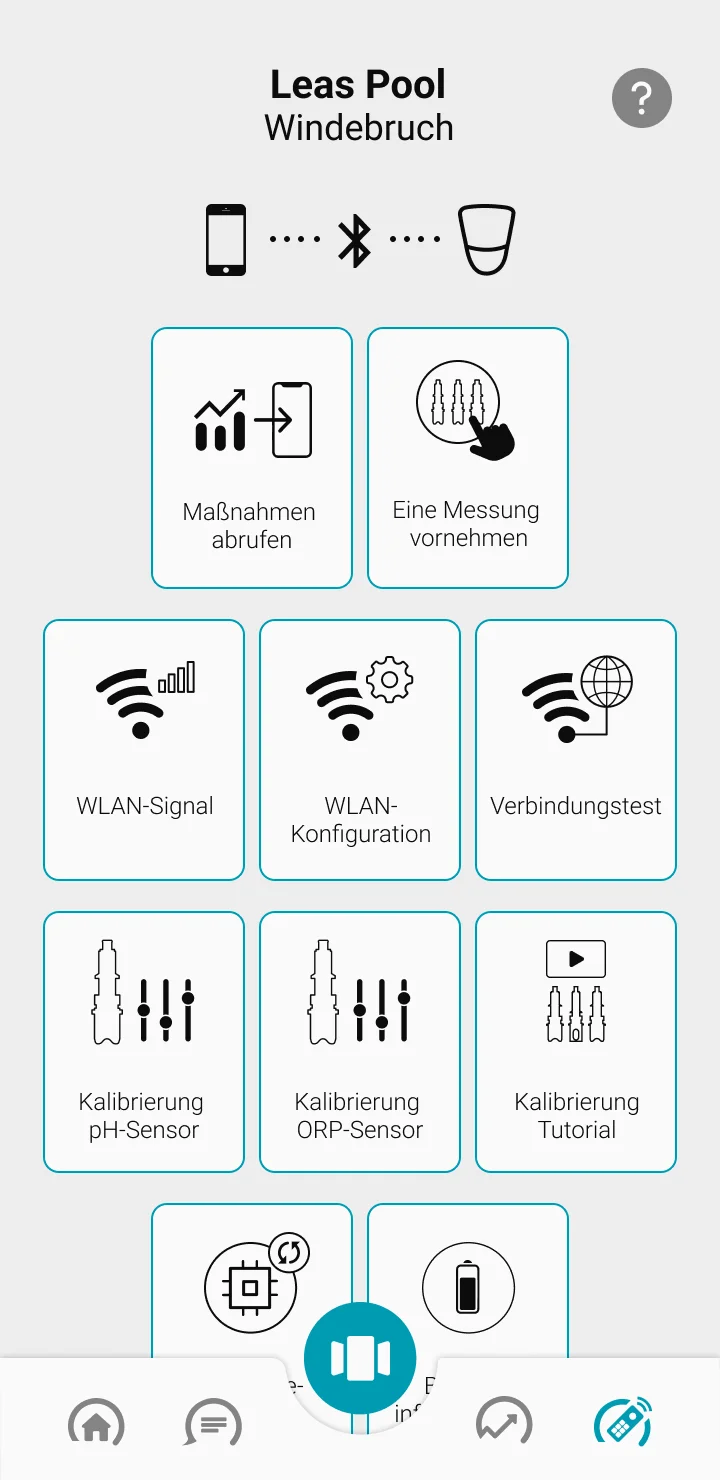
the bluetooth connection is available by clicking on the remote control button
Remote control screen on the ICO app

Please check the following information :

  • First of all, your mobile phone must have a Bluetooth version 4 or higher (check with the manufacturer depending on your phone model)
  • Next, disconnect all devices connected to the Bluetooth network from your smartphone: earphones, connected watches, etc.
  • During the connection attempt, please hold your cell phone and ICO side by side.
  • Finally, your ICO can only connect via Bluetooth to one mobile at a time. Make sure that your ICO is not already connected to the Bluetooth of another smartphone.

Once it is done, try a new connection to the bluetooth

In your app, click on the Remote control button at the bottom right. The connection may take few seconds.
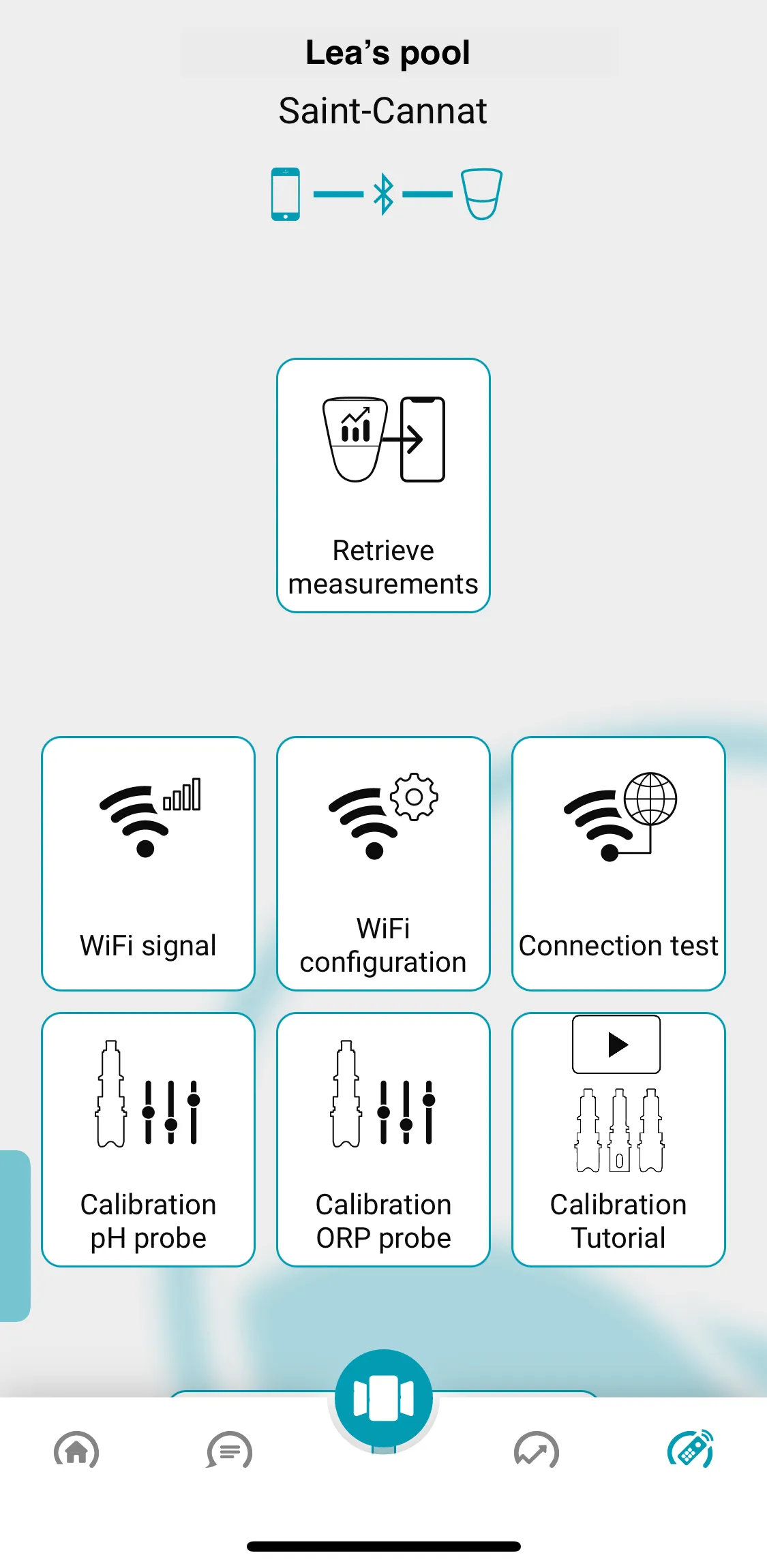

  • When the bluetooth is turned ON, the bluetooth icon turns blue

Other articles

Need more help ?